
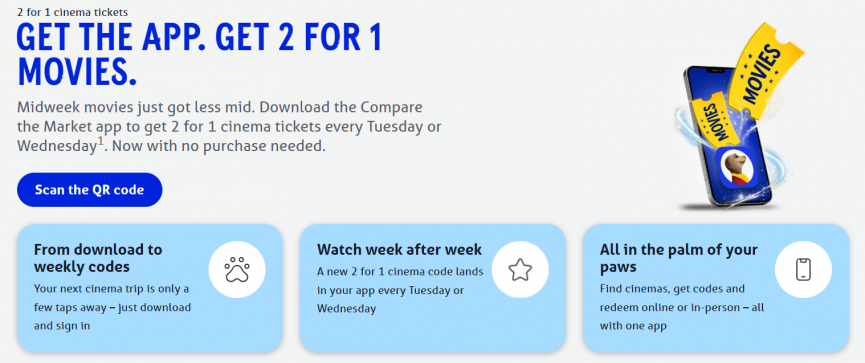
Two cinema tickets for the price of one, every Tuesday or Wednesday, and you don't have to buy a single thing to get it. Meerkat Movies used to mean taking out a policy or a deal through Compare the Market first, but now you just download their app and the code is sitting there waiting for you.
Click here for Meerkat Movies at Compare the Market
FAQs
What's changing?
Movie nights just got more simples. Download the Compare the Market app and sign in to unlock 2 for 1 cinema tickets – there’s no need to purchase a qualifying product.
Your tickets are available as soon as you sign in and can be used every Tuesday or Wednesday, up to 11:59pm on 19 July 2027.
We refer to this as an ‘App-only Rewards Membership’.
Do I need to buy a qualifying product?
No. You can access 2 for 1 cinema tickets with an App-only Rewards Membership without buying a qualifying product.
Download the Compare the Market app – or open it if it’s already on your device – sign in, then visit the app’s ‘Rewards’ area to get your 2 for 1 cinema tickets.
Do I need a Compare the Market account?
Yes. You’ll need a Compare the Market account to use the offer in the app. Sign in with your existing account details or create a new account to get started.
I've just downloaded the app. Where do I find 2 for 1 cinema tickets?
After you’ve signed in or set up an account, open the app’s ‘Rewards’ area. Your 2 for 1 cinema tickets will be waiting there.
If the tickets aren’t showing, make sure you have the most recent version of the app installed.
Is there a time limit on claiming my App-only Rewards Membership?
You have until 19 July 2027 to claim an App-only Rewards Membership. To use your 2 for 1 cinema tickets, open the ‘Rewards’ section of your account and choose ‘Redeem now’.
What if I already have a Rewards membership from a qualifying product?
Any Rewards you already receive through a qualifying product will remain available until your current membership reaches its expiry date. These include:
- 2 for 1 cinema tickets
- 25% off dining out
- 25% off Caffè Nero
- Pizza deals, all week long
Installing the Compare the Market app won’t shorten your current Rewards membership or replace any of its benefits.
Where and how do I use my Meerkat Movies?
To get your Meerkat Movies code (which you'll need to enter online or provide to the cinema), download the Meerkat app.
You can search for your nearest cinema via the search bar at the top of the home screen. If your chosen cinema displays our golden 2 for 1 ticket then it is participating in Meerkat Movies.
To get to your code, simply:
- Click on ‘Rewards’ at the bottom of the app, then the 'Movies' tile, then
- Click the golden 2 for 1 icon in the top right hand corner.
Codes are refreshed every Thursday for the following week.



Comments